How It Works
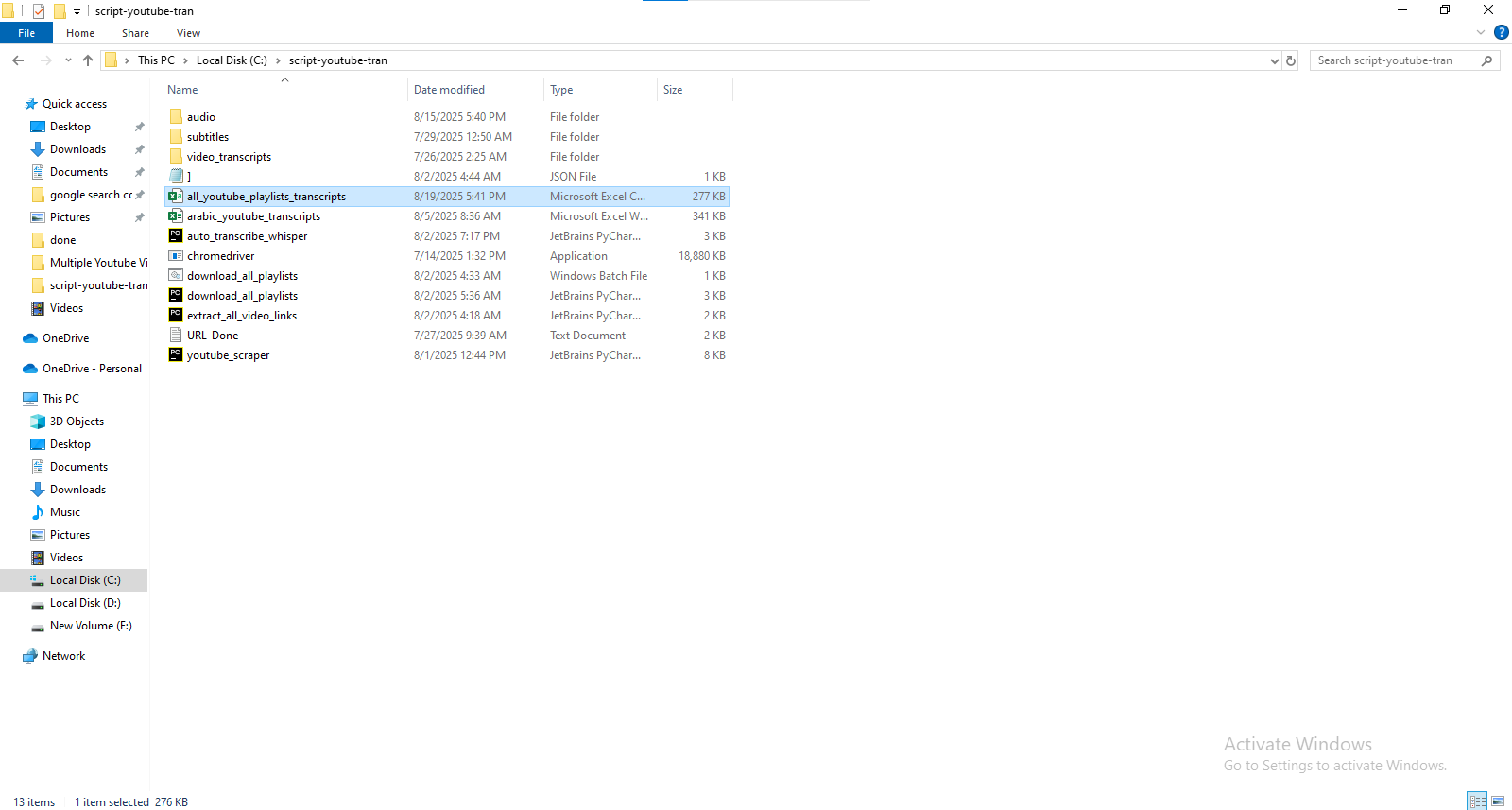
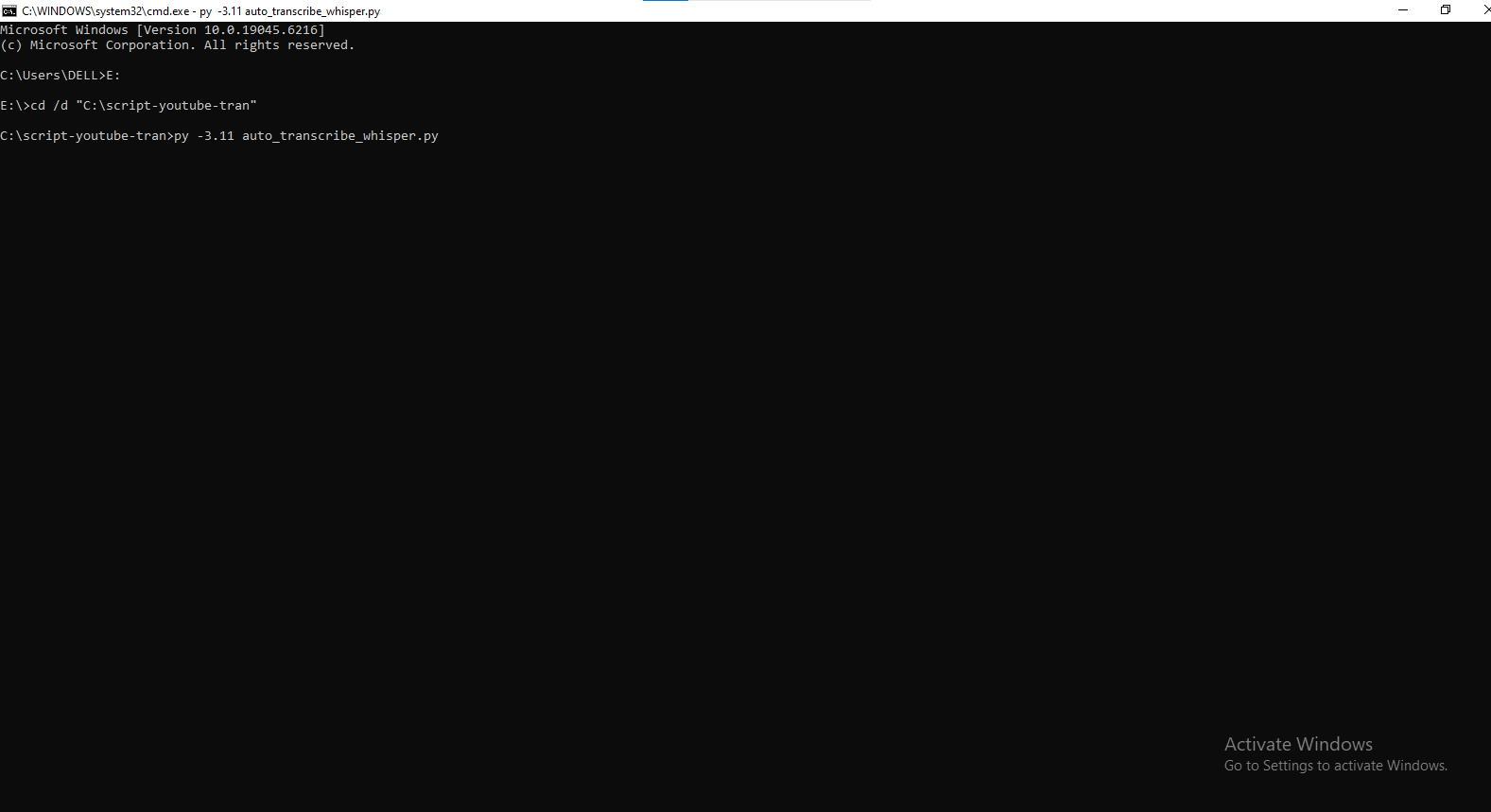
Stop manually transcribing videos. This Python script automates the extraction of text from YouTube channels, playlists, or individual videos, acting as a bridge between video content and textual data.
Dual Extraction Engine
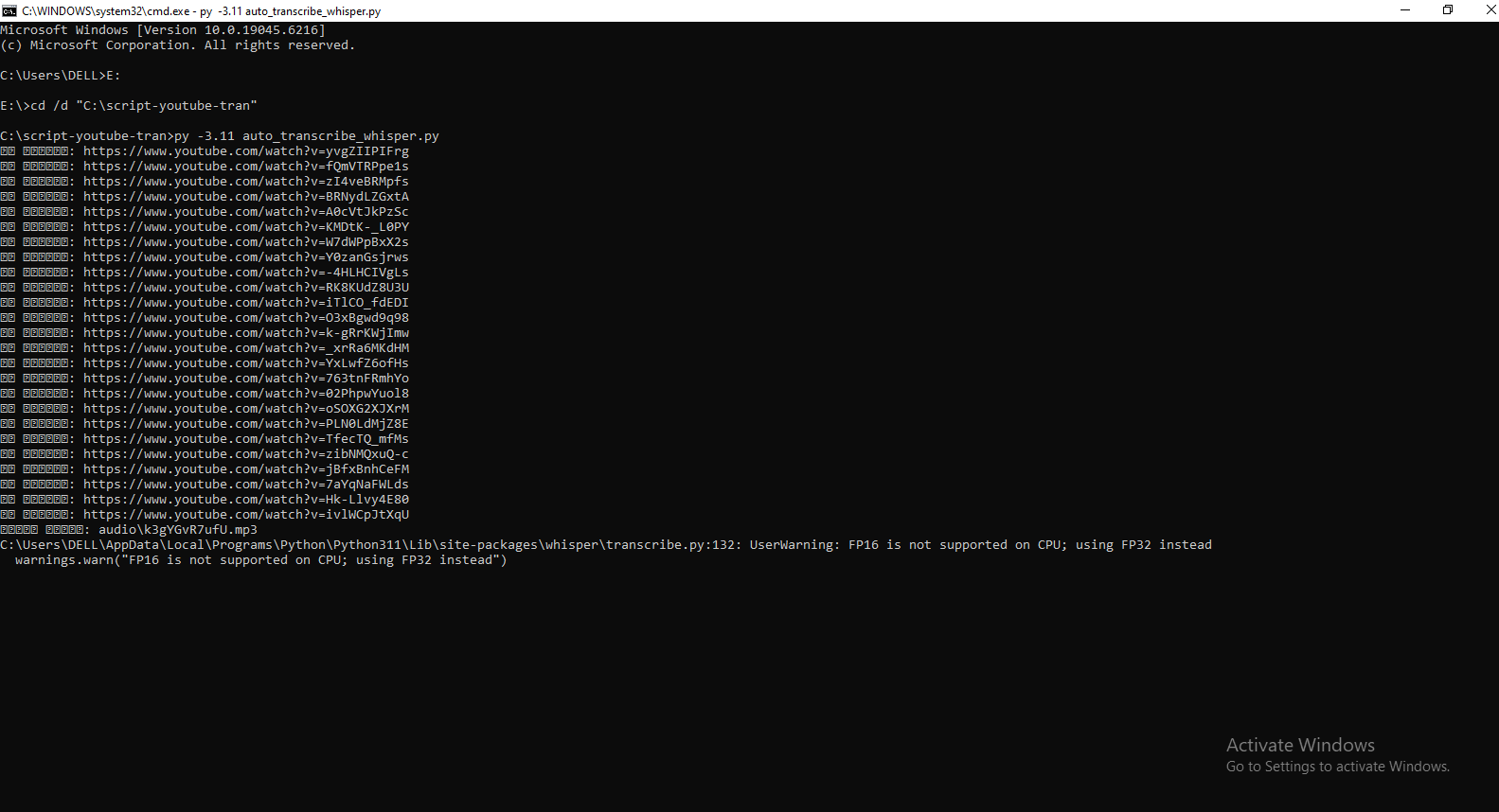
The script is designed for flexibility. It first attempts to download official subtitles (optimized for Arabic in the code, but customizable). If native subtitles aren't available, it downloads the audio track and sends it to the AssemblyAI API for high-accuracy speech-to-text transcription.
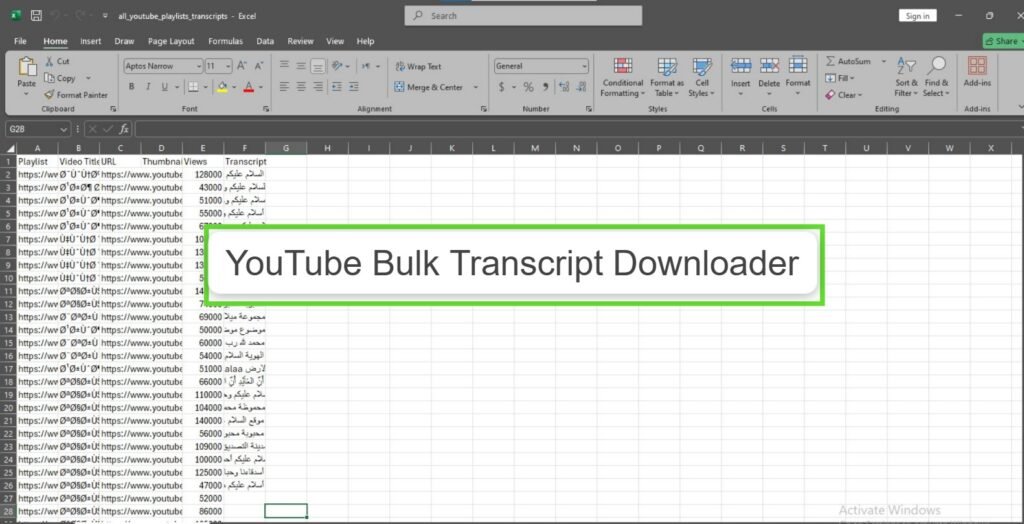
Structured Excel Output
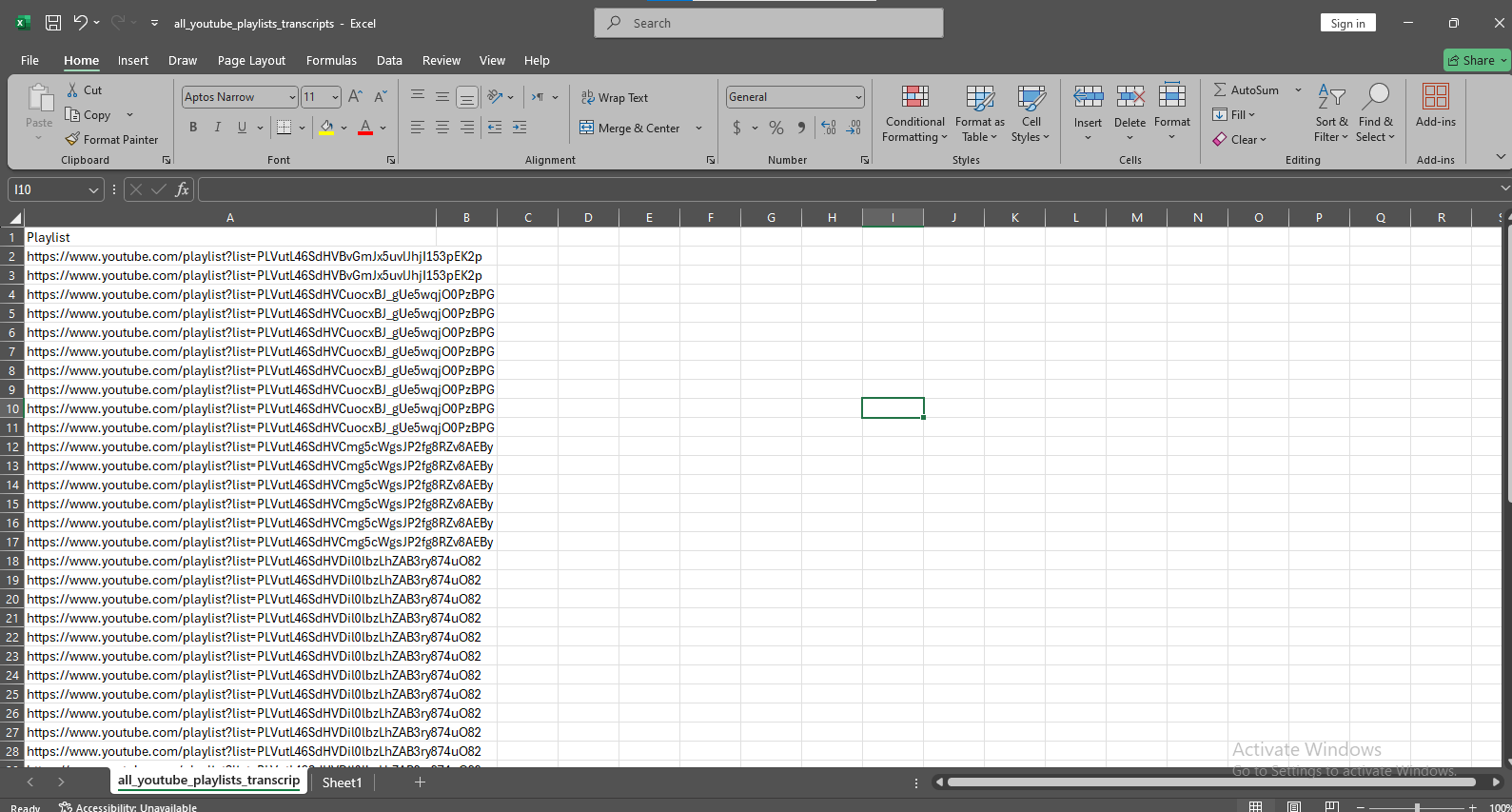
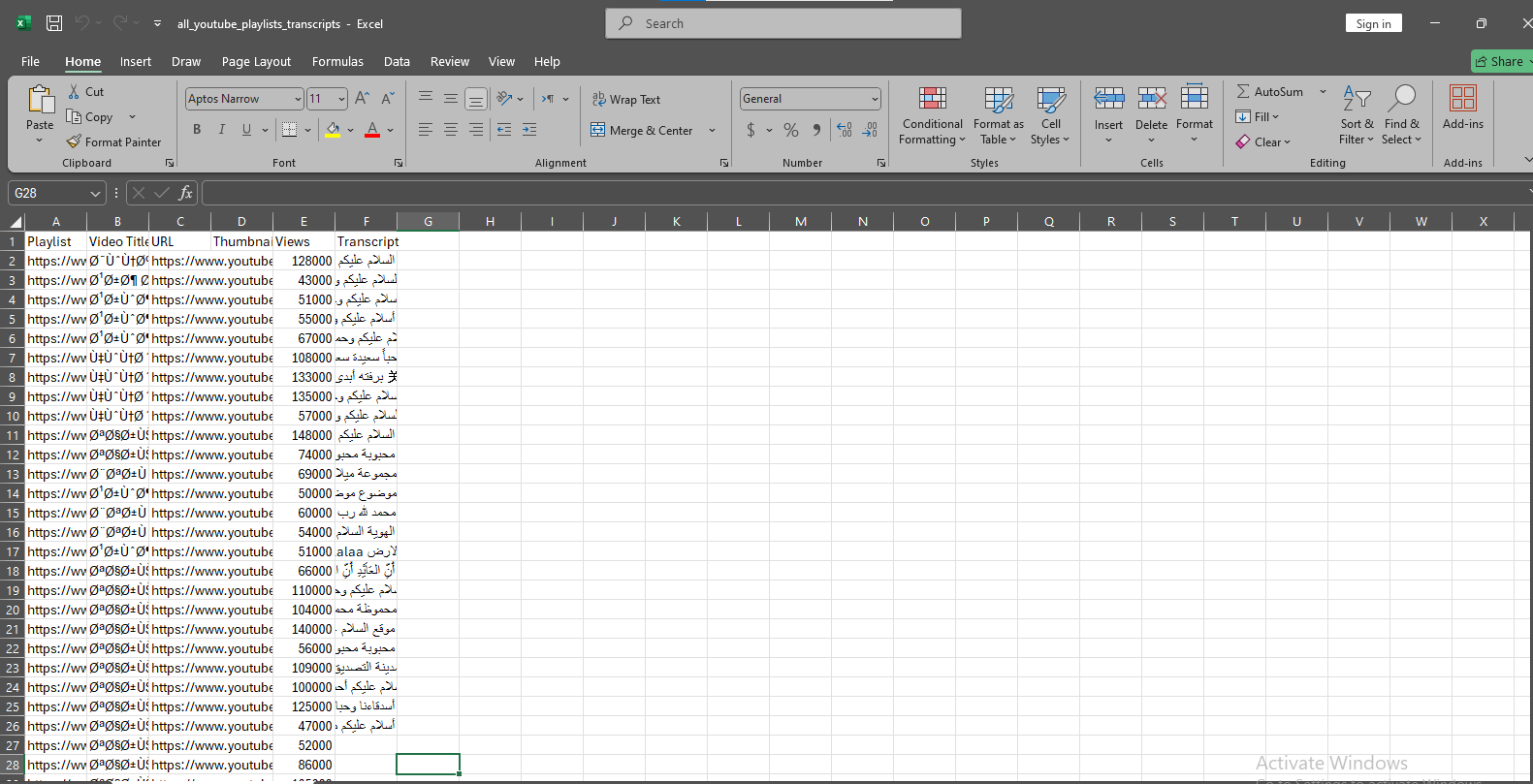
All data is saved into a clean, structured Excel file. Each row contains:
- Video Metadata: Title, URL, and View Count.
- Transcripts: The full text from either subtitles or AI transcription.
- Status Logs: Notes on audio file size and processing status.
YouTube Bulk Transcript Downloader
Downloads transcripts from YouTube videos for content repurposing, SEO optimization, and accessibility. Extracts both native subtitles and generates AI-powered transcriptions via AssemblyAI, saving everything to a structured Excel report.
Script Capabilities
- Platform: Python (yt_dlp + pandas)
- AI Engine: AssemblyAI API
- Input: Channels, Playlists, Videos
- Output: Detailed Excel Report
- Feature: Auto-Resume & Duplicate Check
More SEO Scripts