How It Works
Turn video content into a library of visual assets automatically. This Python script links directly to your Google Sheets to batch process YouTube videos and extract high-quality frames at regular intervals.
Smart Batch Processing
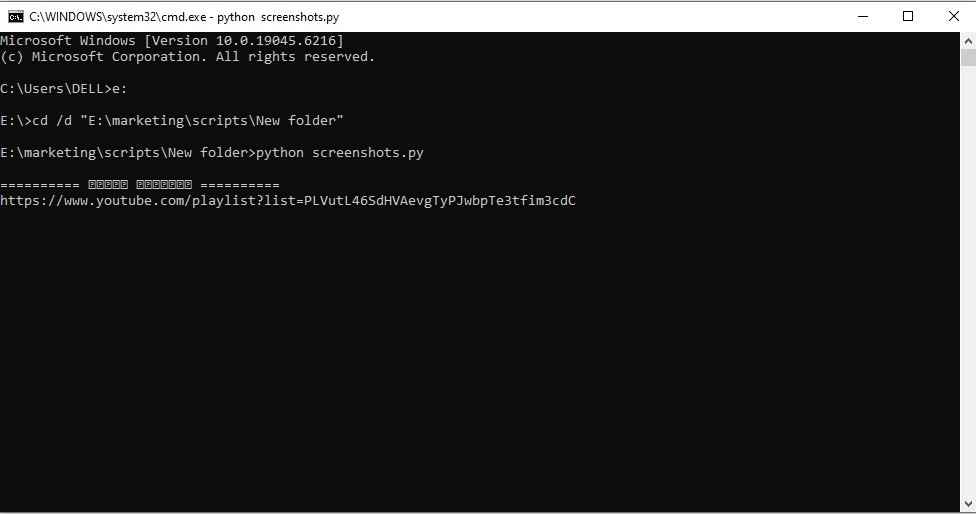
Simply paste a list of YouTube URLs into a Google Sheet. The script authenticates securely via the Google API, reads the list, and uses yt_dlp to download the video content locally for processing.
Automated Frame Extraction
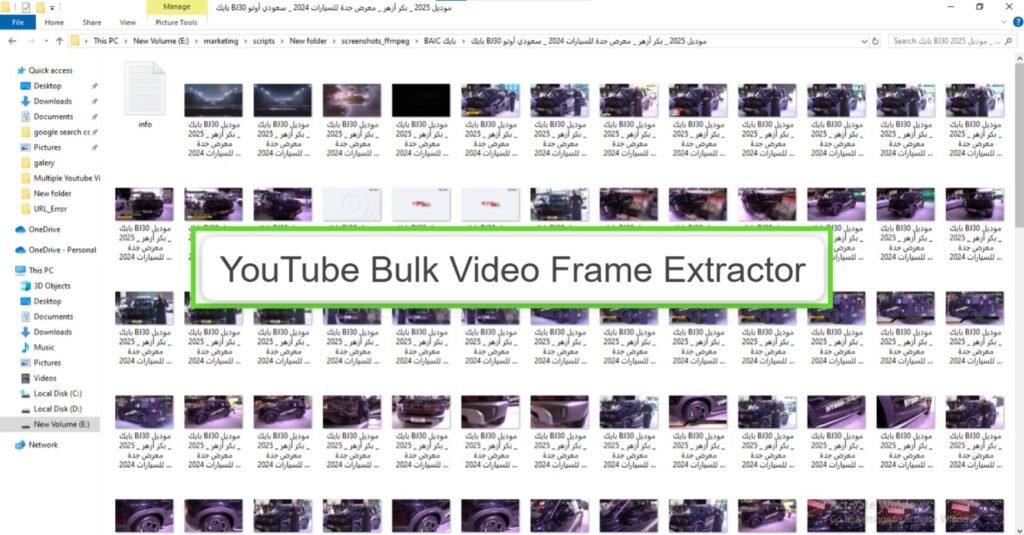
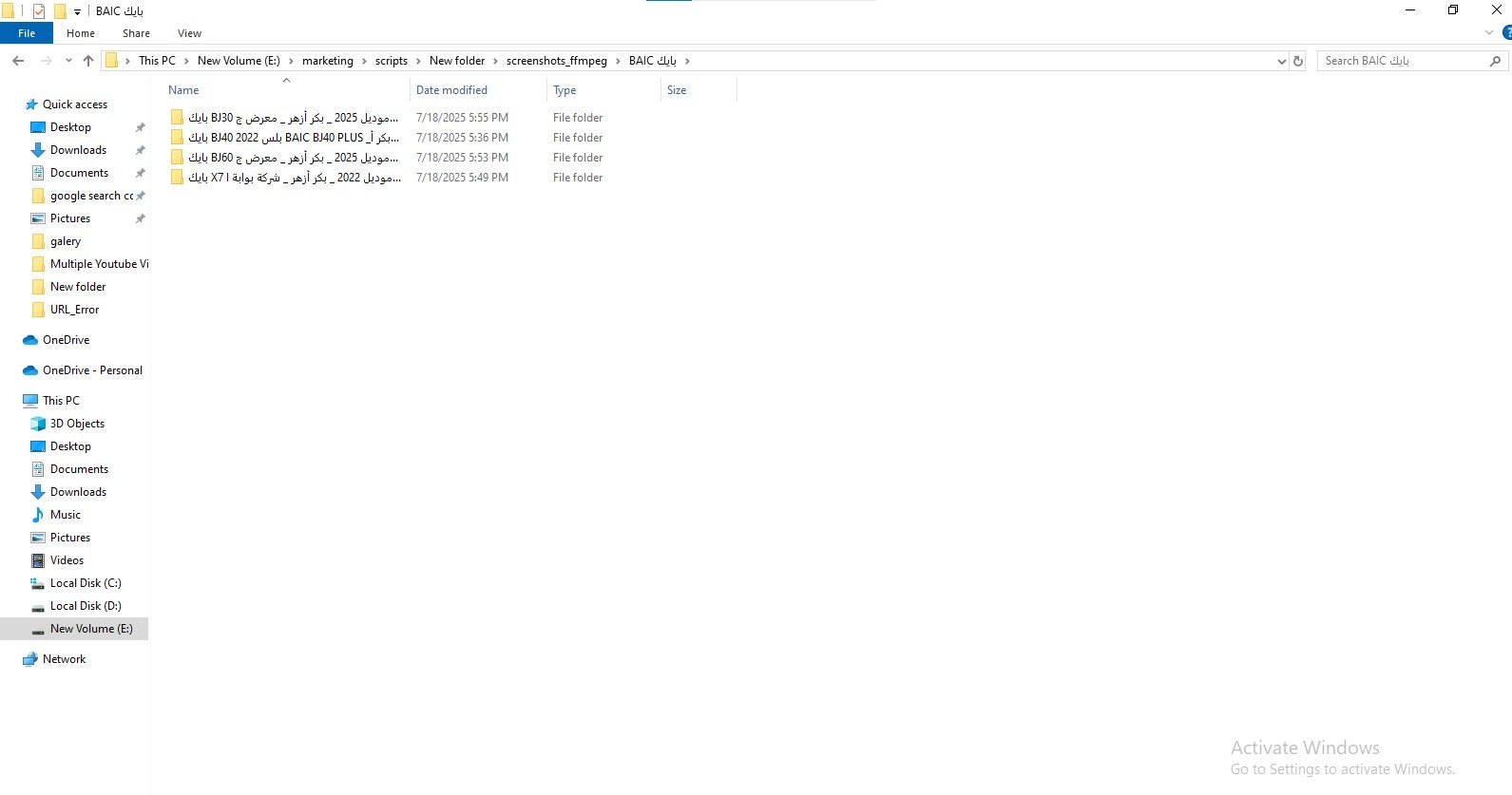
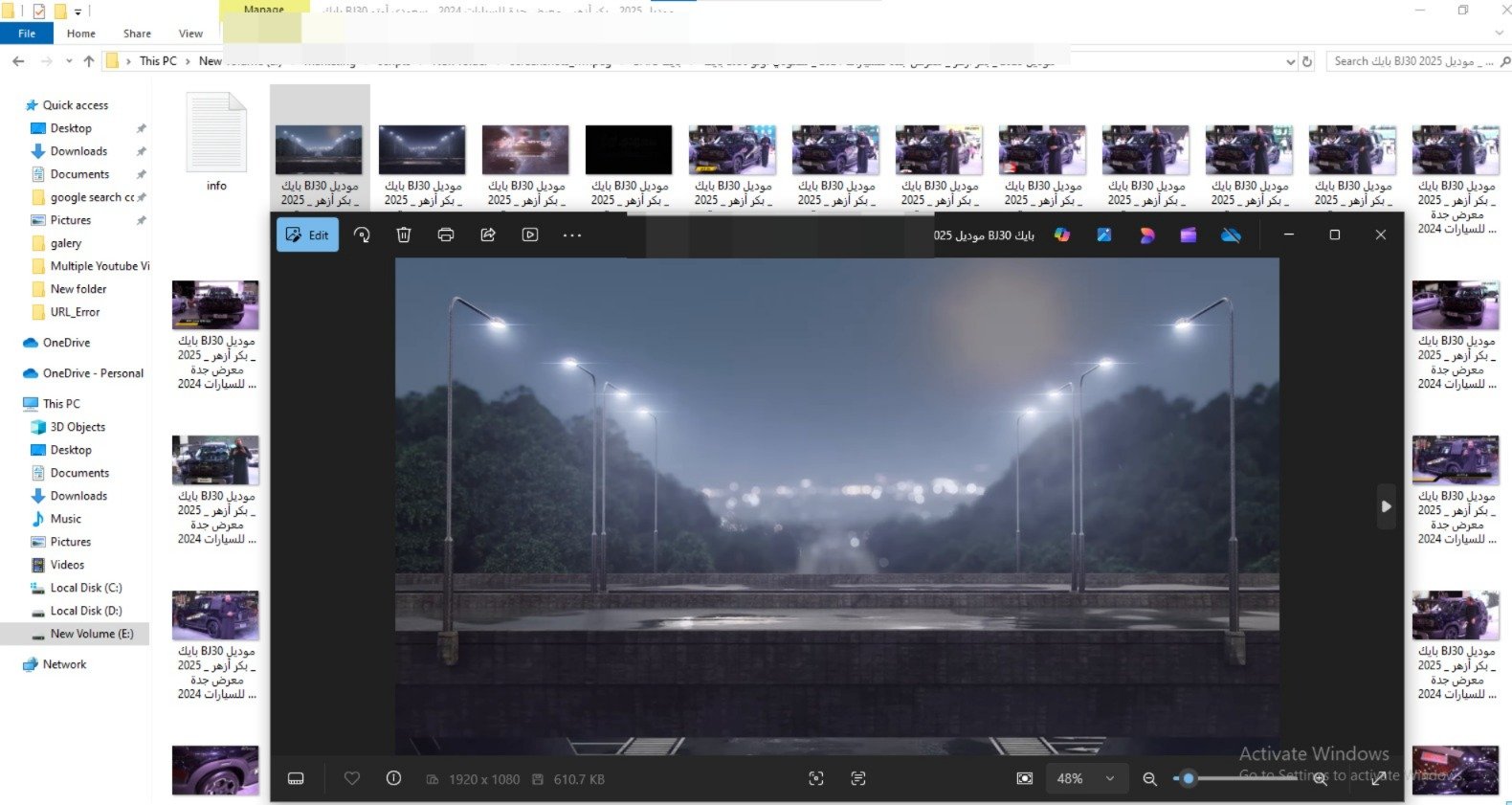
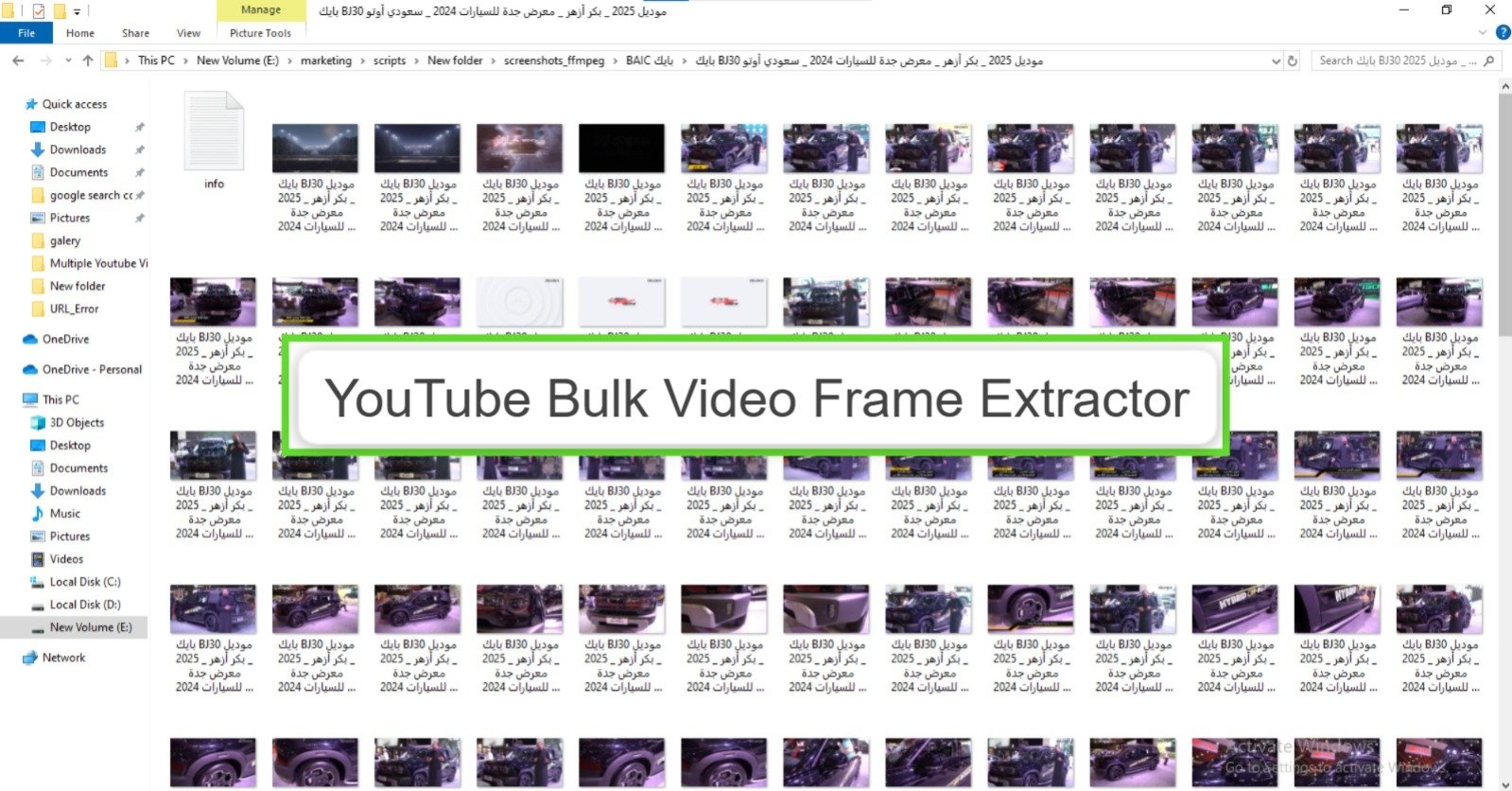
Using FFmpeg, the script scans through the downloaded video and captures a screenshot at set intervals (e.g., every 3 seconds). It then organizes these images into structured folders on your Google Drive, named automatically after the video title.
YouTube Bulk Video Frame Extractor
Captures screenshots from YouTube videos at 3-second intervals for content repurposing, thumbnail creation, and visual asset generation. Automates the entire process from Google Sheet input to Google Drive output.
Script Capabilities
- Platform: Python (Local Execution)
- Input: Google Sheets
- Processing: FFmpeg Frame Extraction
- Output: Google Drive Upload
- Organization: Auto-Folder Creation
More SEO Scripts