How It Works
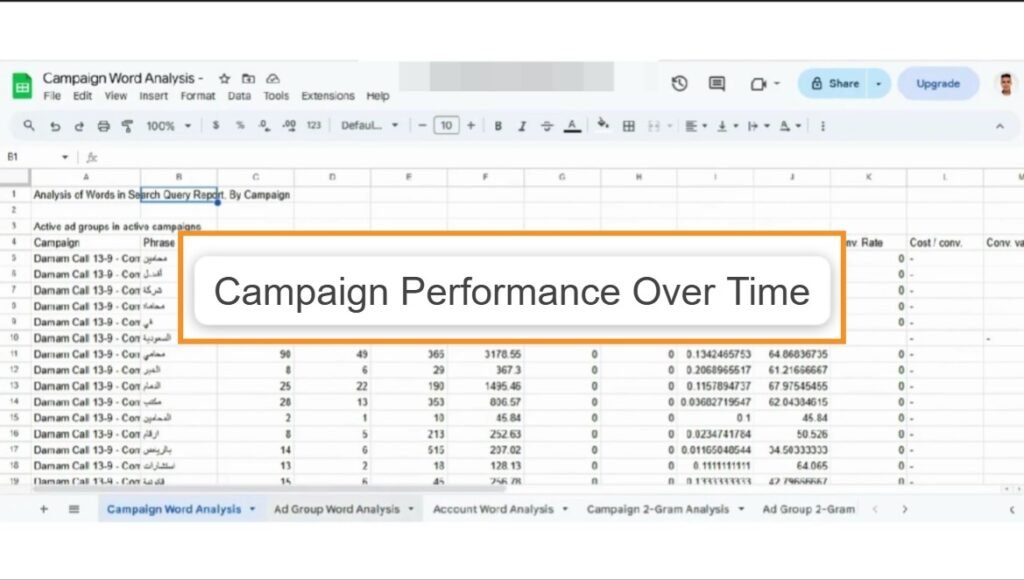
This script is engineered specifically for the "black box" of Google Ads: Performance Max. It extracts detailed performance data that is often hard to visualize in the native dashboard and pipes it directly into Google Sheets.
Automated Data Extraction
The script runs two distinct queries against your Performance Max campaigns. It bypasses the general interface to pull raw metrics (Clicks, Impressions, Conversions, Cost, and Conversion Value) directly via the Ads API.
Dual-View Reporting
You get two granular views for deeper analysis:
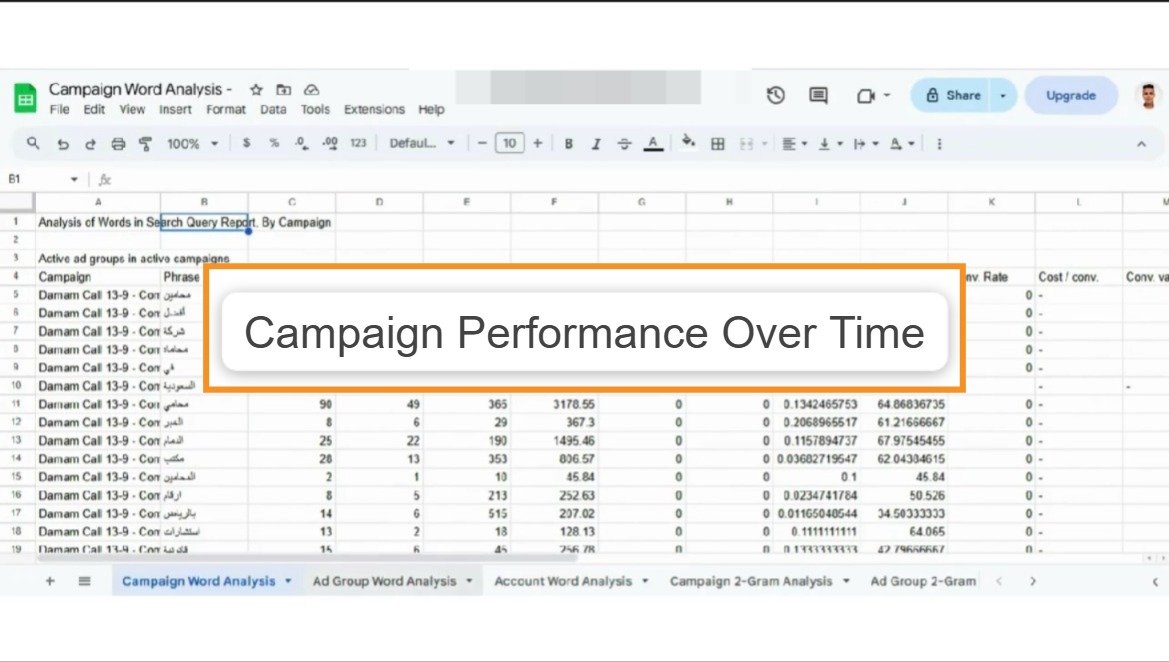
- Campaign View (Last 30 Days): A snapshot of recent performance grouped by campaign name, perfect for monthly check-ins.
- Daily Trend View (Last 365 Days): A massive historical dataset grouped by date, allowing you to plot year-over-year trends and seasonality.
Google Ads Automation
Campaign Performance Over Time
A specialized script for Performance Max campaigns that extracts 365 days of historical data and 30-day recent snapshots into Google Sheets for deep trend analysis.
Script Capabilities
- Focus: Performance Max Campaigns
- Platform: Google Ads Scripts
- Output: Google Sheets (Multi-Tab)
- History: Up to 365 Days Lookback
- Metrics: Cost, Conv. Value, ROI
More Google Ads Scripts
Google Ads
Google Ads
Google Ads
Google Ads
Google Ads
Google Ads
Google Ads
Google Ads