
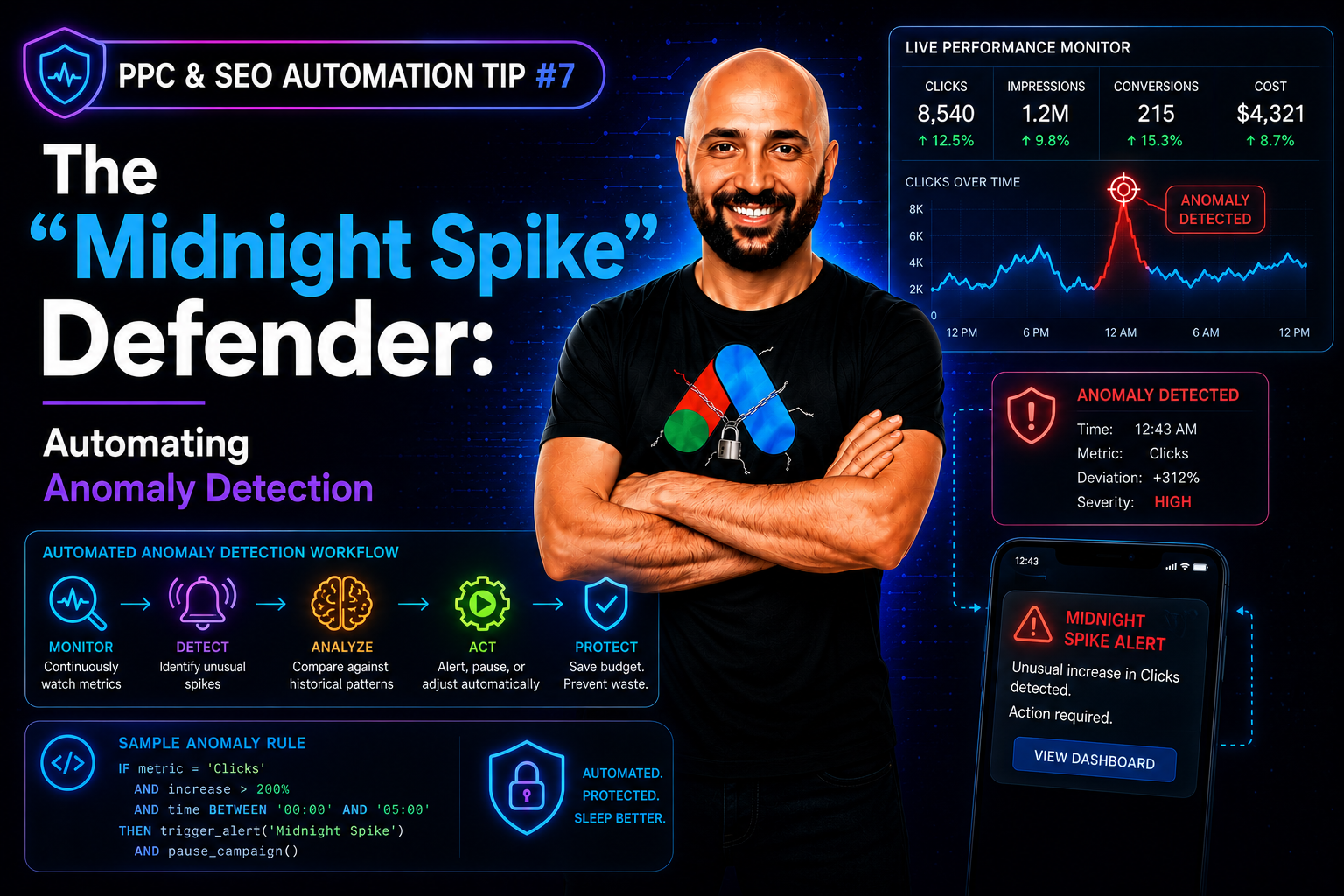
In paid media, disaster doesn’t usually happen while you are staring at the dashboard. It happens at 2:00 AM on a Saturday — the exact blind spot our team at PPC & SEO Automation Lab builds anomaly detection scripts to cover. A competitor runs out of budget and drops out of the auction, causing your bids to skyrocket. Or a tracking pixel breaks, telling the algorithm conversions are free, causing it to spend your entire daily budget in three hours on spam clicks.
By the time you log in on Monday morning, the damage is in the thousands. Manual monitoring cannot protect you from systemic volatility — it’s the same 24/7 gap we covered in the Human Error Tax. You cannot refresh your dashboard 24/7.
This is the perfect scenario for an Anomaly Detection Script.
How an Anomaly Detection Script Catches Disasters Overnight
- The Baseline: The script calculates your account’s rolling 30-day average for key metrics at the hourly level (e.g., Average CPC, Cost Per Conversion, Hourly Spend), the same kind of baseline our Daily Quality Score Tracker logs continuously.
- The Threshold: It establishes a standard deviation threshold. For example, if your average CPA on a Tuesday night is $50, the script flags anything above $150 as an anomaly.
- The Action: The script runs every hour in the background. If a metric breaches the threshold, it triggers an immediate automated response through a high-priority alert, similar in spirit to how a Budget Pacing Autopilot self-corrects overnight.
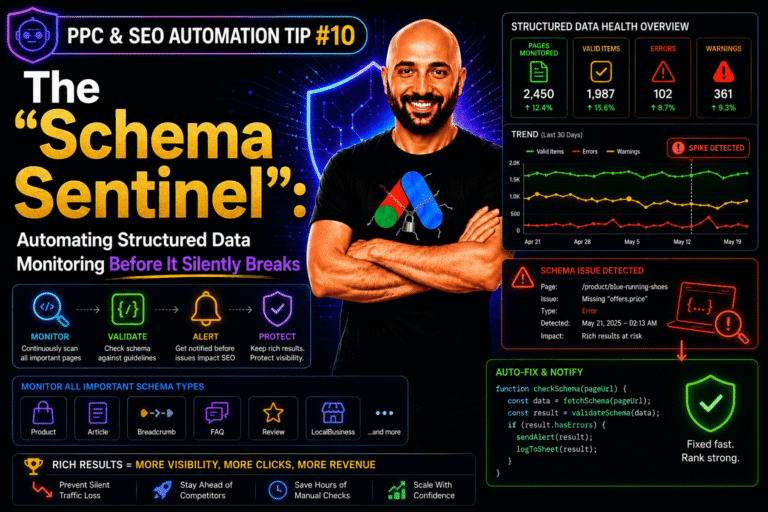
You can program the script to simply send a high-priority Slack/SMS alert to the media buyer, or, for the truly automated lab, you can program it to instantly pause the offending campaign until a human can review it. Stop relying on luck to protect your budget during off-hours. Let the code stand guard. Once your account is protected around the clock, the next layer of defense is making sure your structured data doesn’t quietly break too — covered in Tip #8.
The Real Cost of Skipping Anomaly Detection
A broken tracking pixel that goes unnoticed for even one overnight period can burn an entire day’s budget on worthless clicks with zero real conversions behind them. On an account spending $2,000 a day, one bad weekend night alone can mean $2,000-$6,000 vanishing with nothing to show for it — money an anomaly detection script would have flagged and stopped within the hour it happened.
Common Mistakes When Building Anomaly Detection
- Setting a static threshold that never updates: A fixed dollar threshold gets outdated fast as your account grows; a rolling baseline that recalculates weekly stays accurate as spend scales.
- Ignoring day-of-week patterns: Weekend spend naturally differs from weekday spend; comparing Saturday night to a weekday average creates false alarms (or missed real ones).
- Auto-pausing without a clear recovery path: If the script pauses a campaign automatically, make sure there’s also a clear alert and easy manual re-enable, so a real spike doesn’t accidentally stay paused for days.
Frequently Asked Questions
What counts as an “anomaly” in an ad account?
Any metric — CPC, CPA, hourly spend, conversion rate — that moves well outside its normal historical range, typically measured using a standard deviation threshold above or below the rolling average.
Should the script pause campaigns automatically or just alert me?
It depends on risk tolerance. Alerting first is the safer starting point; auto-pausing is worth adding once you trust the threshold isn’t producing false positives on your account.
Why does this matter most overnight and on weekends?
Because that’s when no one is watching the dashboard — the same hours a broken pixel or an auction shift can burn through budget completely unchecked until someone logs back in.
#ppc_seo_automation_tips




Leave a Reply