
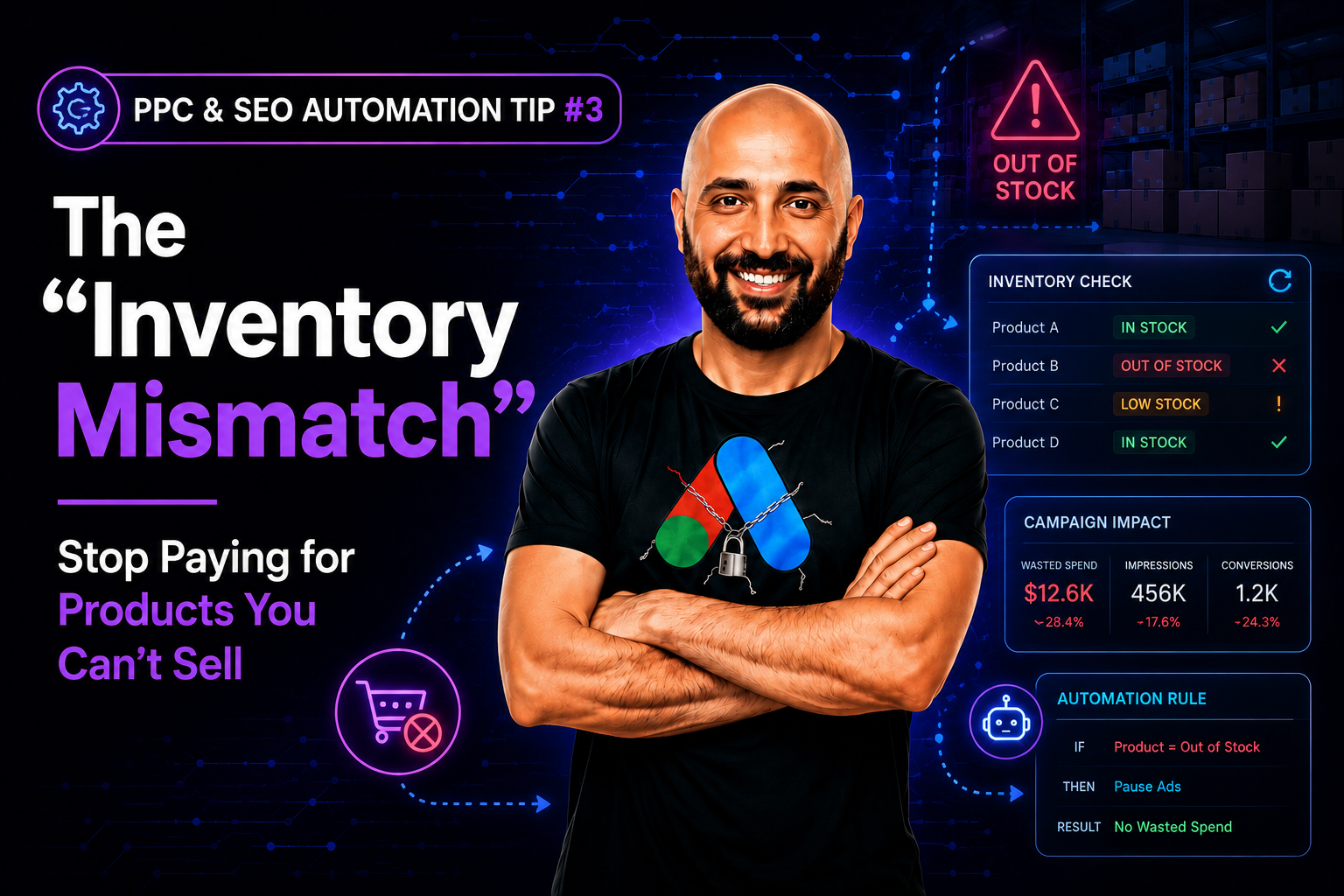
If you run an e-commerce site, this scenario is your worst nightmare — and it’s one of the most common issues our team at PPC & SEO Automation Lab finds when auditing new accounts: You are running a Google Shopping campaign for your best-selling sneakers. The ad is live, the budget is high, and people are clicking like crazy. But on your website, that specific sneaker is Out of Stock.
You are literally paying Google to annoy your customers. They click, they see “Sold Out,” and they bounce immediately. You waste the ad spend, and you damage your brand reputation. Doing this manually is impossible — this inventory mismatch can happen minute by minute.
This is where a simple Inventory Checker Script becomes mandatory.
How an Inventory Mismatch Script Fixes the Problem
- The script connects your Google Ads account to your website’s product data feed (or crawls the product pages), following the same availability attribute standard Google Merchant Center uses.
- It runs every hour.
- If “Stock Status” = 0, it automatically pauses the ad group or product ID.
- Crucially, when “Stock Status” > 0, it automatically re-enables the ad, in sync with any active dynamic pricing feed updates.
This is the definition of “smart efficiency.” You stop burning cash on dead ends and ensure every dollar allows a user to actually buy something.
The Real Cost of an Inventory Mismatch
The math on this is brutal once you see it written out. Say your best-selling sneaker gets 200 clicks a day at a $1.50 average CPC. If that product sits out of stock for even six hours during a busy afternoon, you’ve paid for roughly 50 clicks that led nowhere but a “Sold Out” page — that’s $75 gone in a single afternoon, on a single product. Multiply that across a catalog of a few hundred SKUs, and a handful of stockouts a week can quietly eat thousands of dollars a month in pure waste, on top of the missed sales themselves.
There’s a second, quieter cost too: Google’s algorithm notices the pattern. Ads that keep sending clicks to dead-end pages can drag down your account-level click-through and conversion signals, making every other campaign in the account slightly less efficient. An inventory mismatch doesn’t just waste today’s budget — it can quietly tax tomorrow’s performance as well.
Common Mistakes When Building an Inventory Checker Script
- Checking too infrequently: A once-a-day check feels efficient but leaves you exposed for hours during exactly the high-traffic windows when stockouts are most likely and most expensive.
- Pausing at the wrong level: Pausing an entire ad group when only one product variant (like a single shoe size) is out of stock can needlessly kill sales for every other in-stock variant in that group.
- No re-enable logic: Plenty of scripts pause ads correctly but forget to build the reverse check — restocked products then sit dormant, invisible to customers, for days.
- Ignoring price changes alongside stock changes: If a product’s price shifts along with its availability, pairing the stock check with your automated pricing updates keeps ads, price, and stock all in sync instead of drifting apart.
Once your inventory mismatch is under control, the next place small teams win big is by outpacing agencies with the right scripts. Want one built around your own product feed? Let’s build it.
Frequently Asked Questions
What causes an inventory mismatch in Google Ads?
It happens when your product feed or ad status doesn’t update as fast as your real-world stock changes — a sneaker sells out on-site, but the ad promoting it keeps running until someone manually catches and pauses it.
How often should an inventory checker script run?
Hourly is a solid default for most stores. High-velocity inventory (flash sales, limited drops) may need checks every 15–30 minutes instead.
Does this only work for Google Shopping ads?
No — the same logic applies to standard search or display ads pointing at specific product pages; any ad sending traffic to an out-of-stock page is wasted spend, regardless of campaign type.
#ppc_seo_automation_tips



Leave a Reply