
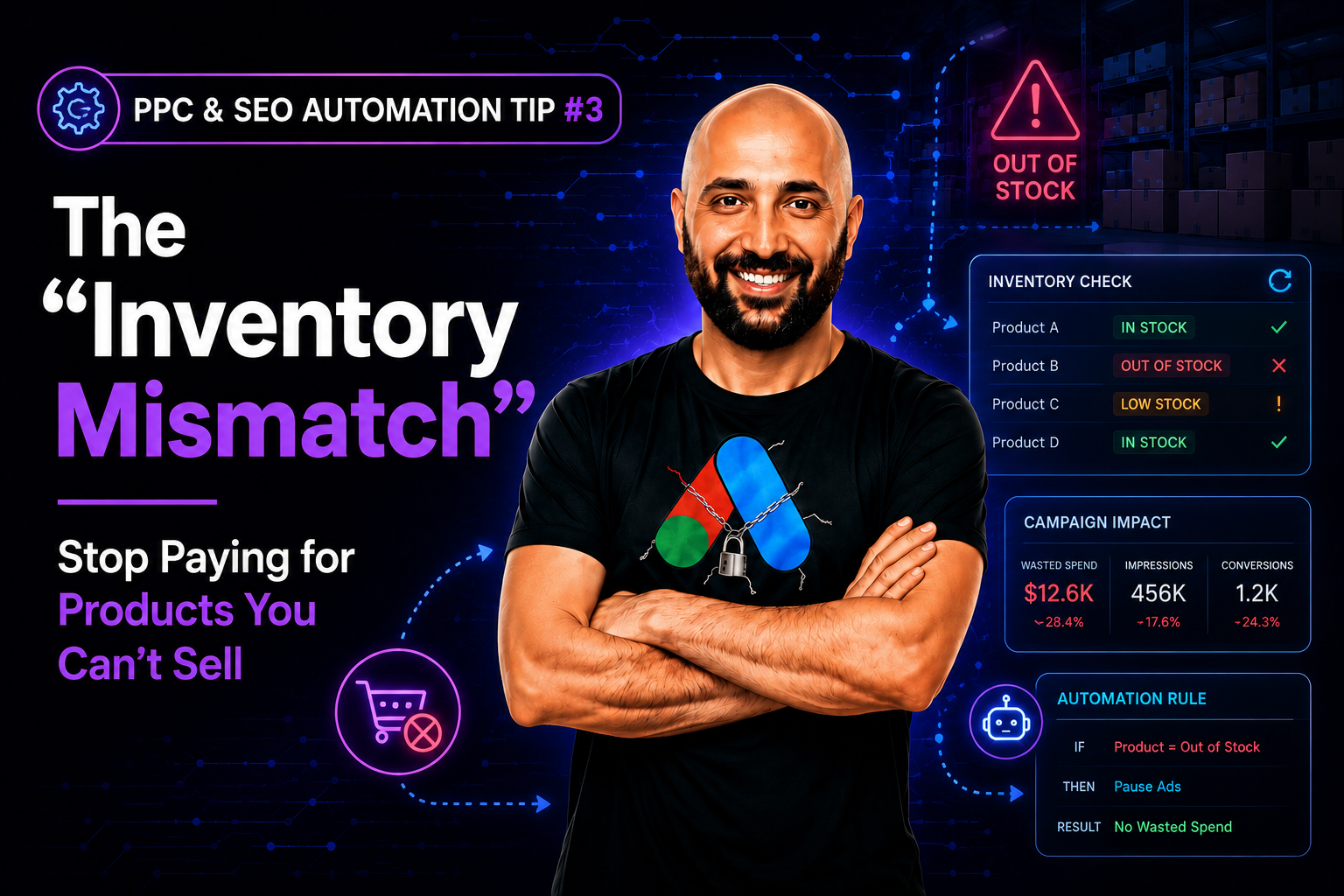
If you run an e-commerce site, this scenario is your worst nightmare: You are running a Google Shopping campaign for your best-selling sneakers. The ad is live, the budget is high, and people are clicking like crazy. But on your website, that specific sneaker is Out of Stock.
You are literally paying Google to annoy your customers. They click, they see “Sold Out,” and they bounce immediately. You waste the ad spend, and you damage your brand reputation. Doing this manually is impossible,inventory changes by the minute.
This is where a simple Inventory Checker Script becomes mandatory.
- The script connects your Google Ads account to your website’s inventory feed (or crawls the product pages).
- It runs every hour.
- If “Stock Status” = 0, it automatically pauses the ad group or product ID.
- Crucially, when “Stock Status” > 0, it automatically re-enables the ad.
This is the definition of “smart efficiency.” You stop burning cash on dead ends and ensure every dollar allows a user to actually buy something.
#ppc_seo_automation_tips
Leave a Reply